

Login

Order the cost-effective starter package now Start now


Welcome to fleet.tech® CONNECT

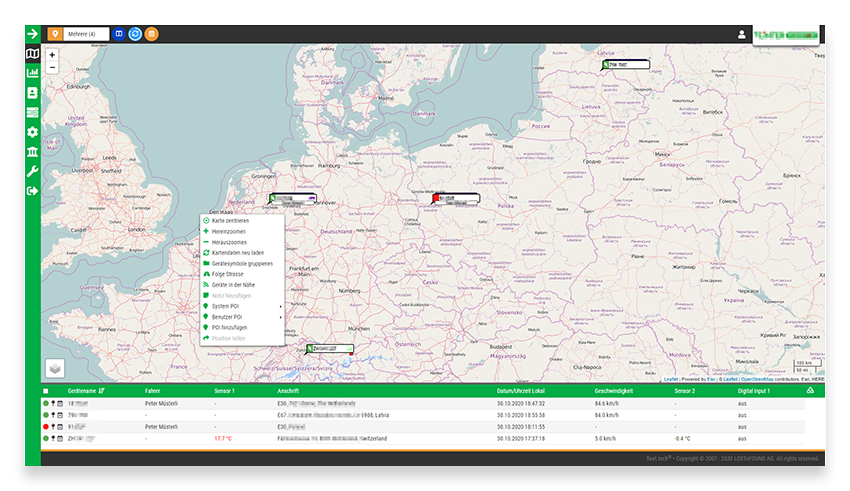
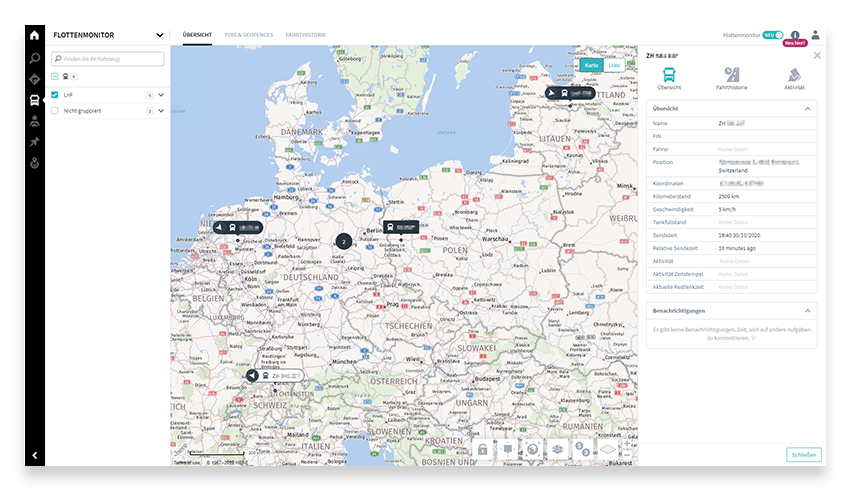
Use the cost-efficient end devices from fleet.tech by LOSTnFOUND now additionally in the RIO platform. Users now have additional access to various functions in the RIO fleet monitor: Assets can be added to the fleet and positions can be displayed in the fleet monitor. In the ten-day trip history vehicle positions and the route covered can be viewed. Further existing and already in use hardware from LOSTnFOUND can also be connected to the fleet monitor on the RIO platform.


Follow these simple steps:


1. Login

Log on to www.rio.cloud.

rio cloud

2. Request integration code

Select the Marketplace and search for the tile fleet.tech integration and request the integration code free of charge by e-mail.


marketplace

3. Receive integration code

Within 48 hours you will receive an e-mail with the corresponding Integration-Code from RIO.cloud. (check SPAM filter)


4. Login to Fleet.tech

Log on to www.fleet.tech.


5. Settings

Select the Settings icon and click the Interface menu.


6. Interface connection

Now enter the Integration-Code previously received by e-mail in a new interface connection.


Order the cost-effective starter package now

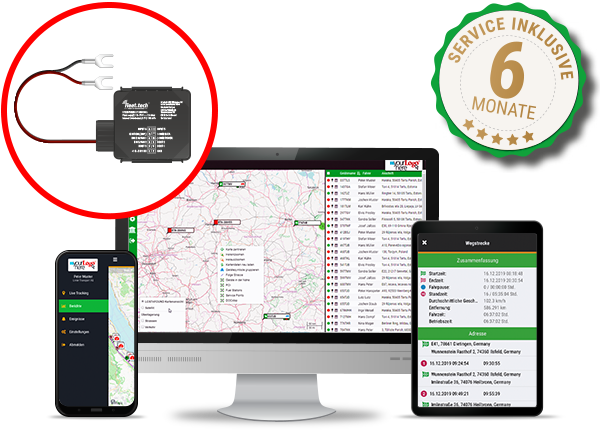
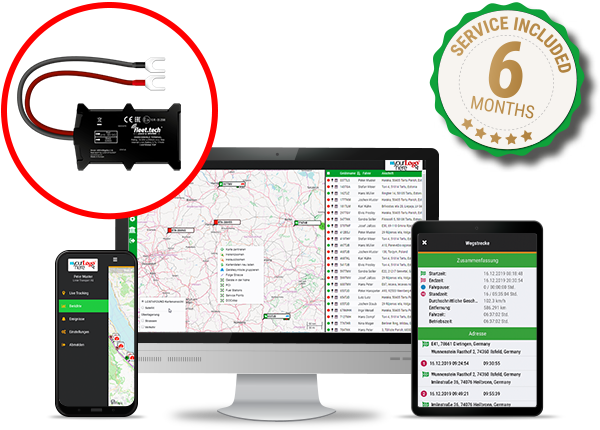
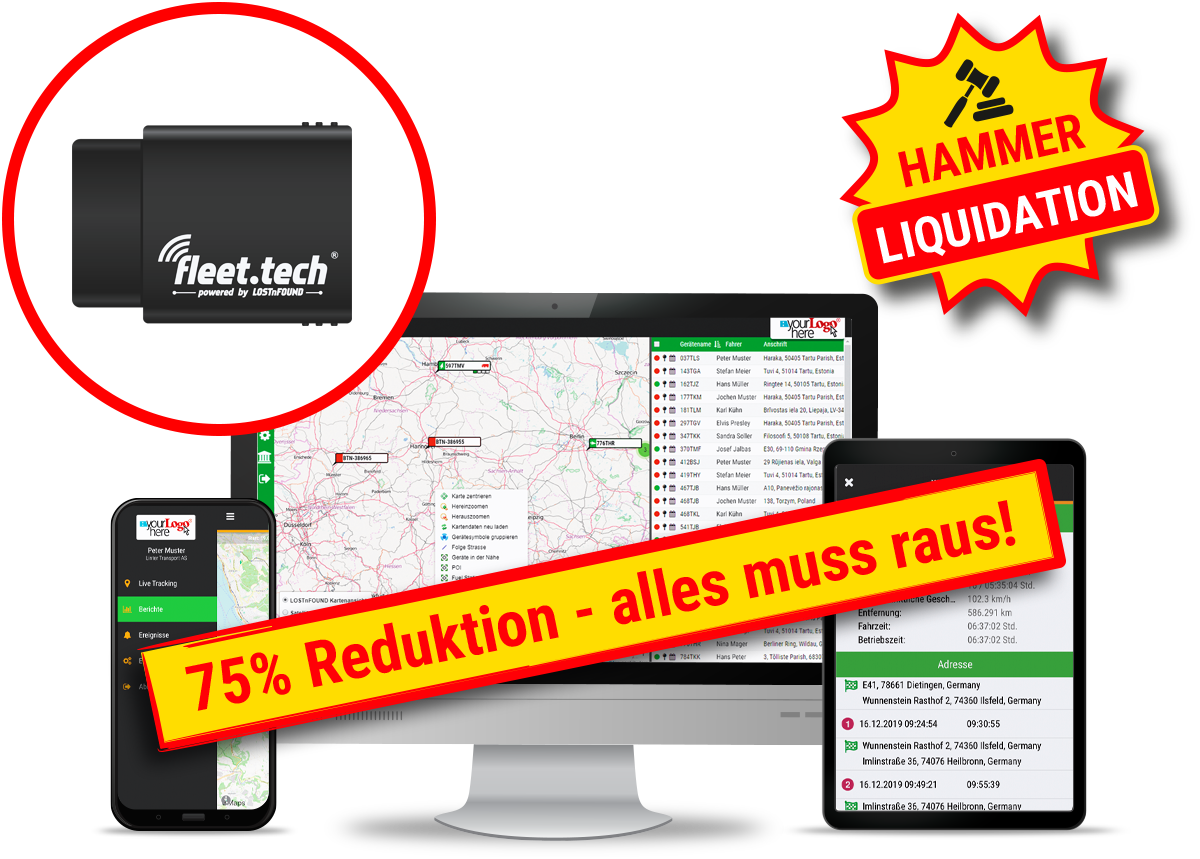
fleet.tech® ARCUSlight incl. 6 months service

79,00 

GPS locator & battery monitor

79,00 

excl. 19% VAT exkl. Versand
Category:

Description

Thanks to the extremely simple installation and the integrated SIM card, the ARCUSlight networks commercial vehicles such as vans, trucks or construction machinery in just a few minutes. Once installed, alarms can be triggered immediately about the use of the vehicle outside defined time windows, entering and/or leaving geo-zones and problems with the vehicle battery. The alarms can be activated as SMS, e-mail or as a system call.
Frequently Asked Questions

What is RIO integration?

With fleet.tech Connect, the location data from your fleet.tech devices can also be imported into the TRATON GROUP’s RIO platform and displayed there in the fleet monitor.

Do I need a RIO Box or additional hardware for this?

No. The service can be used without retrofitting a RIO Box—for trucks of any make as well as other assets.

What information do I see on the RIO platform?

You add assets to your fleet and view their location in the fleet monitor (updated every 15 minutes). Additionally, a ten-day trip history is available.

Which vehicles and objects can I connect?

In addition to third-party trucks, you can also integrate containers, load carriers, and construction machinery.

How do I activate fleet.tech Connect?

You need a RIO account and at least one active fleet.tech vehicle. In the RIO Marketplace, request the integration code via the corresponding tile.